What is the Emblem & Logo Library?
The Emblem & Logo Library is where you manage your custom unit emblems and logos. Any logo you add can be reused across multiple units and formations, so you don't need to upload the same image again for every unit. It is not a fixed catalog — you build and organize your own library.
Adding a logo
Add a new logo by picking an image from your device's gallery, or by pasting a direct image link (PNG, JPG, or WEBP) to import it from a URL. You'll be asked to name it — this is optional, and you can rename it later at any time by long-pressing the logo in the library.
Organizing your library
The library is fully user-managed. You can organize logos by country, using your own labels in any language — nothing is limited to a predefined list, so you can build and maintain the library according to your own needs.
Logos can be grouped by country and filtered by whether they are currently in use or still available to assign. Country names and labels can also be customized in your own language, making the library easy to use regardless of your language or organizational system.
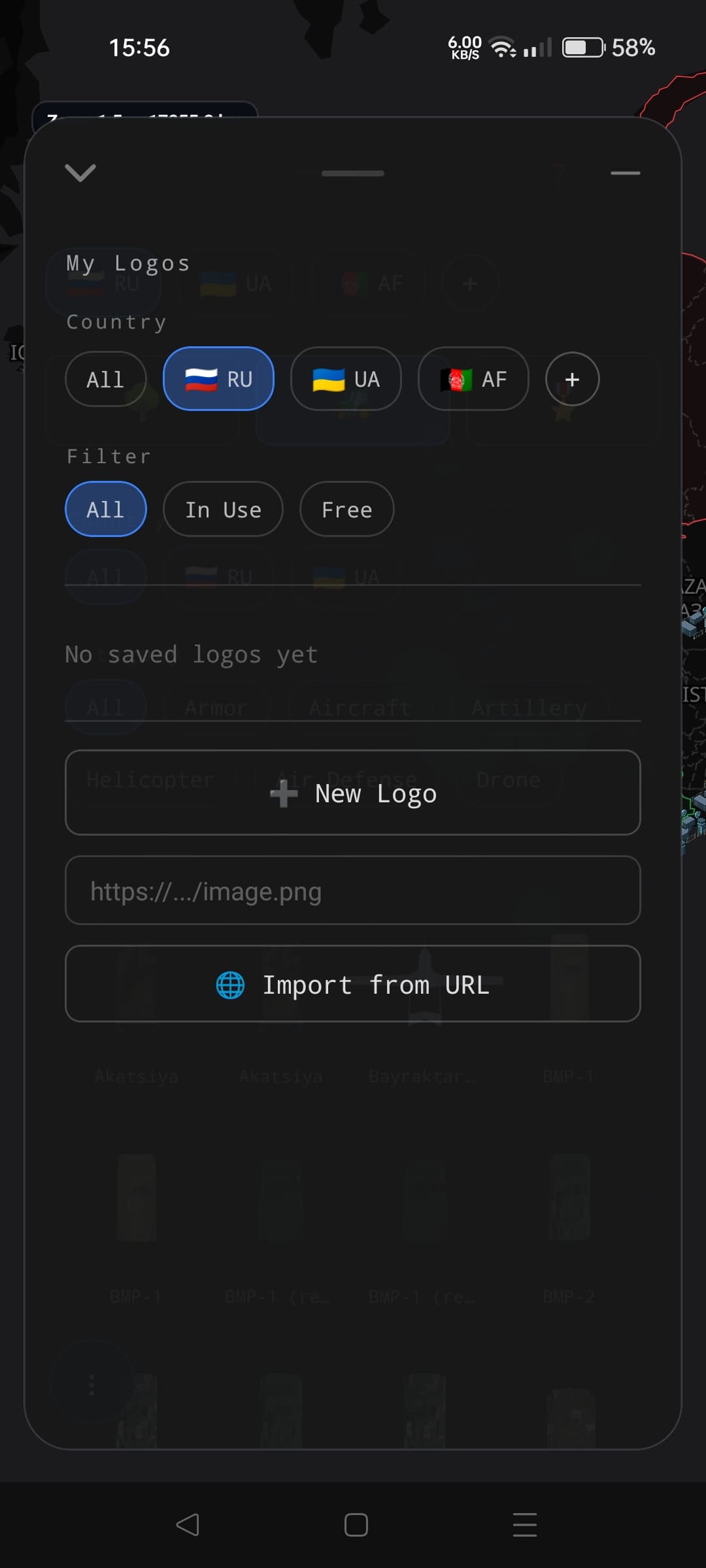
"My Logos" — filter by country, or by whether a logo is in use or still available
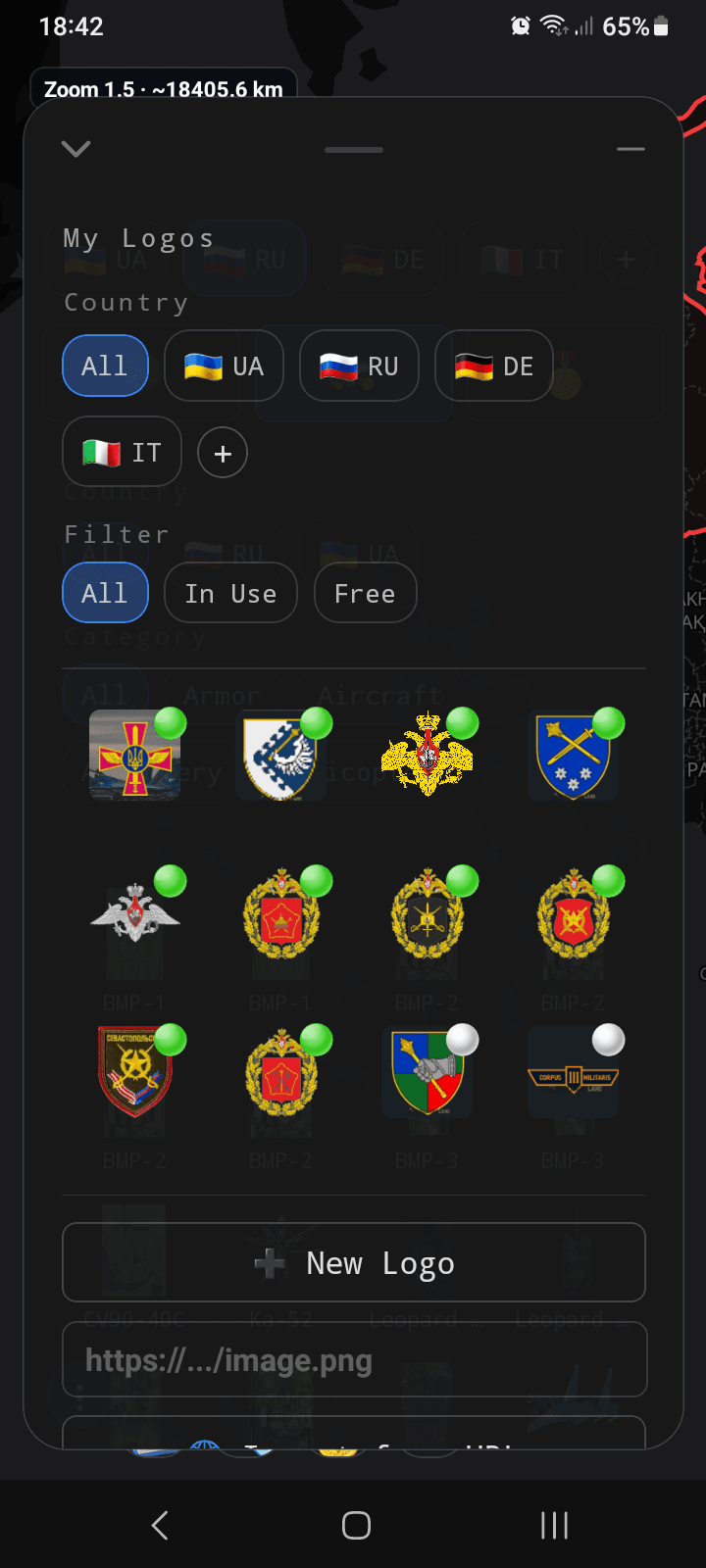
Each logo shows a small dot — green means it's assigned to a unit, white means it isn't assigned to one yet
Assigning a logo to a unit
When creating or editing a unit or formation, open the logo picker to assign any saved logo. You can also add a new logo on the spot, and it will then be available for other units as well.
Backing up and restoring your library
Your entire Emblem & Logo Library — including folders, logos, country names, and images — can be backed up to a single file. Save it directly to your device's storage — choosing where to save it — or share it to another app directly. Import the backup at any time, including on a new phone, to restore the saved library data and images. Logo names, folder assignments, country labels, and the actual image files are all preserved.